
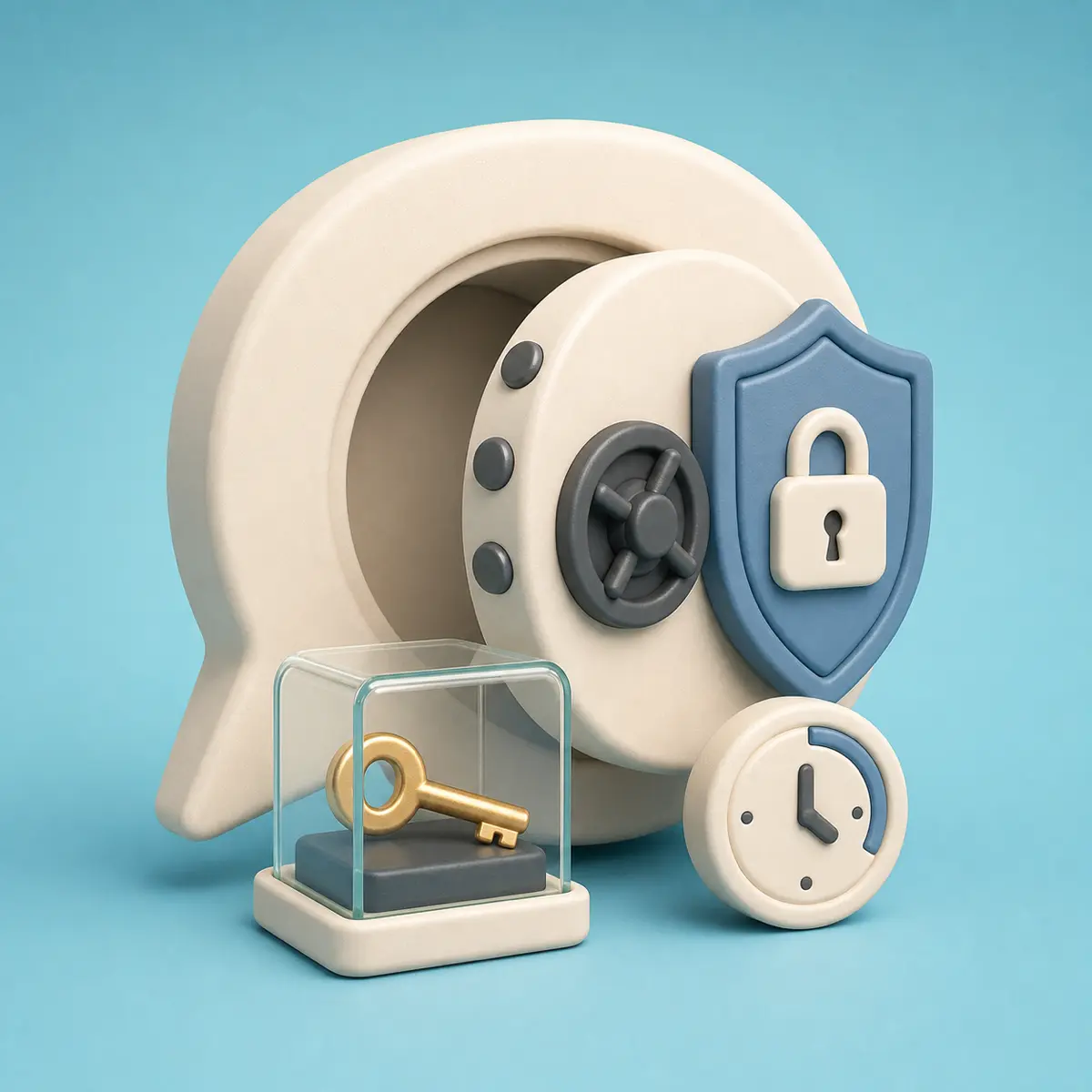
Can Pango read your Neuro chats?
When can Pango support access a Neuro chat? Here are the approval process, emergency exception, and what Secret Chat keeps out of history.
On this page
The short answer first
Before connecting ad accounts and client reports, you need to know who can read the conversation. Being a Pango support representative does not, by itself, grant access to a customer chat.
The short answer: by default, no. The system isn't built for Pango staff to freely open customer chats from the admin console.
Chat content is locked by default
To run the service, Pango does need basic metadata: which organization and workspace a chat belongs to, and who created it. But chat titles and message content stay sealed unless a separate process opens them.
- If a support case genuinely requires opening a chat, the Pango rep first files a request stating the reason and how long they need.
- The owner or admin of the customer organization reviews that request and approves or rejects it.
- Only an approved request unlocks the chat — and only for a limited window.
- When the window expires, the chat locks again, and any further access needs a fresh request.
The logic is simple: grant access only when a support case truly needs it, and never leave customer conversations open just for operational convenience.
Even urgent incident response leaves a record
In rare cases, an incident may be critical enough that waiting for customer approval isn't realistic. Even then, it's not a quiet backdoor anyone can walk through.
Emergency access requires a documented reason and is granted only for a short window. We log who accessed what, when, and why, so customer admins can review it after the fact.
What the customer admin console shows
Chat access requests, approvals, rejections, actual views, and emergency views are all logged where customer admins can see them. The goal is to never end up in a “no one can tell who saw what” situation.
| Situation | What is recorded | Why it’s needed |
|---|---|---|
| Access request | Which chat, who requested it, and why | So the customer can decide whether to approve |
| Approval or rejection | Who handled it and when | So you can confirm how the request was processed |
| Actual view | Who viewed it and when | So you can confirm whether the chat was actually opened after approval |
| Emergency view | Viewer, reason, expiry time | So you can audit any exception opened without prior customer approval |
For work you'd rather not put on the record, use Secret Chat
In ad operations, some work just shouldn't become a permanent record — early budget talks, sensitive internal notes, or an analysis request that mentions a client by name, for example.
For those, switch on Secret Mode in workspace chat. It opens in its own full-screen window, and once you end the session, nothing carries over to your chat history or the AI's memory.
- The ad platforms connected to your workspace — Google, Meta, Naver, Kakao — work exactly as they normally do.
- Questions and answers in Secret Chat never land in your regular chat list.
- They're also kept out of the AI memory the agent draws on later.
- Hit End Secret Session and the conversation, along with any temporary file references, is wiped immediately.
- Even if your browser crashes, any leftover Secret Chats are cleared again once their expiry time passes.
Secret Chat isn't a stripped-down mode. You keep full access to the ad platforms you need — it just keeps the conversation out of Neuro's history and memory.
Usage is still metered, even in Secret Mode
Secret Chat still runs real AI models and live ad platforms, so we do have to meter usage and billing. That means we keep a minimal record — how much was used in which workspace, and whether it ran in Secret Chat.
What we don't keep is the customer's questions or the AI's responses. The rule is simple: store only the numbers needed to calculate cost, and never preserve the conversation itself in any form you could read back later.
Check how the AI model providers use your data for training, too
Neuro runs on commercial AI services like OpenAI and Anthropic. Since this isn't something Pango can promise on its own, we point to each provider's official documentation.
- OpenAI states that data sent to its API is not used for model training by default unless the customer opts in.
- Anthropic states that inputs and outputs from its commercial products — the Anthropic API and Claude for Work — aren't used for model training unless the user joins a separate program.
- For exact retention periods and the fine print, the safest move is to review the latest official docs together during your security assessment.
An explanation to share with your team
Sources
- OpenAI API Docs: Data controls in the OpenAI platform
Official documentation explaining training use of OpenAI API data, abuse monitoring, application state, and data retention controls.
- Anthropic Privacy Center: How do you use personal data in model training?
Official documentation describing how data from Anthropic products such as the Anthropic API and Claude for Work is or is not used for model training.
Related posts
Before you connect an ad account to Neuro
A guide to Neuro account connections, workspace access, default approvals and automatic execution, and AI API data policies.
Before AI changes your ad budget
How to review AI proposals for budget and bid changes, including approval settings and scheduled execution in Neuro.
When to start a new chat for ad work
Decide whether to continue or split an ad-analysis chat when accounts, goals, and reporting assumptions change. Includes prompts for carrying verified findings into a new task.