
A Monday morning of bid checks
Managing bids on Powerlink, Naver's search ad format, is not hard. It is tedious. You open the ad system, pull up the keyword list, find the rows where average rank dropped, raise the bid a little, save, and move to the next row. With thirty keywords that is fine. With three hundred, your Monday morning is gone.
So most people never get through the whole list. They look after the few keywords that bring in the most revenue and let the rest run on whatever bid they entered last month. Meanwhile a competitor raises a bid and your ad slides down the page. Nobody tells you.
This article is about handing that tedious part to an AI by asking for it. Picture a marketer at a wooden furniture store who runs 320 Powerlink keywords. Her Naver Search Ads account is connected to Neuro. On Monday morning she types four sentences into the chat. Every keyword and number below is an example made up for this walkthrough.
First, find the keywords that slipped
Before touching a bid, you need to know one thing: which of the 320 keywords have a problem right now. The old way was to export the keyword list, put it next to the file from two weeks ago, and compare the rank column. This time she just types what she wants to know.
 Example workspace / Powerlink bid check
Show me only the Powerlink keywords whose average rank dropped last week compared with two weeks ago. Sort by clicks.
Of your 320 keywords, 14 fell by more than one position. Here are the top 3 by clicks. None of the 14 had a bid change during that time.
| Keyword | 2 weeks ago | Last week | Clicks | Spend |
|---|---|---|---|---|
| wooden dining table | 2.8 | 4.9 | 312 | ₩162,000 |
| 4-seat dining set | 3.1 | 4.6 | 204 | ₩128,000 |
| dining chair set | 2.4 | 4.1 | 187 | ₩94,000 |
320 rows became 14. The last sentence of the answer matters most. If the bids stayed the same and only the ranks fell, she did not break anything. The same money simply buys a lower spot than it did two weeks ago. Now she knows which rows to look at and what to do about them.
You can change the question as often as you like. Ask for mobile only, or for keywords where rank held steady but cost per click went up. You do not build a new report each time. You ask again. Neuro pulls performance from the connected account early every morning, so the numbers you see at the start of the day run through yesterday.
What does rank 3 cost?
She has found the keywords, so the next step is raising bids. The question is by how much. The usual method is to add ₩50 or ₩100 by feel and check the rank the next day. It takes days to land where you want, and one keyword keeps pulling at your attention the whole time.
You do not have to guess. Ask what each position costs first.
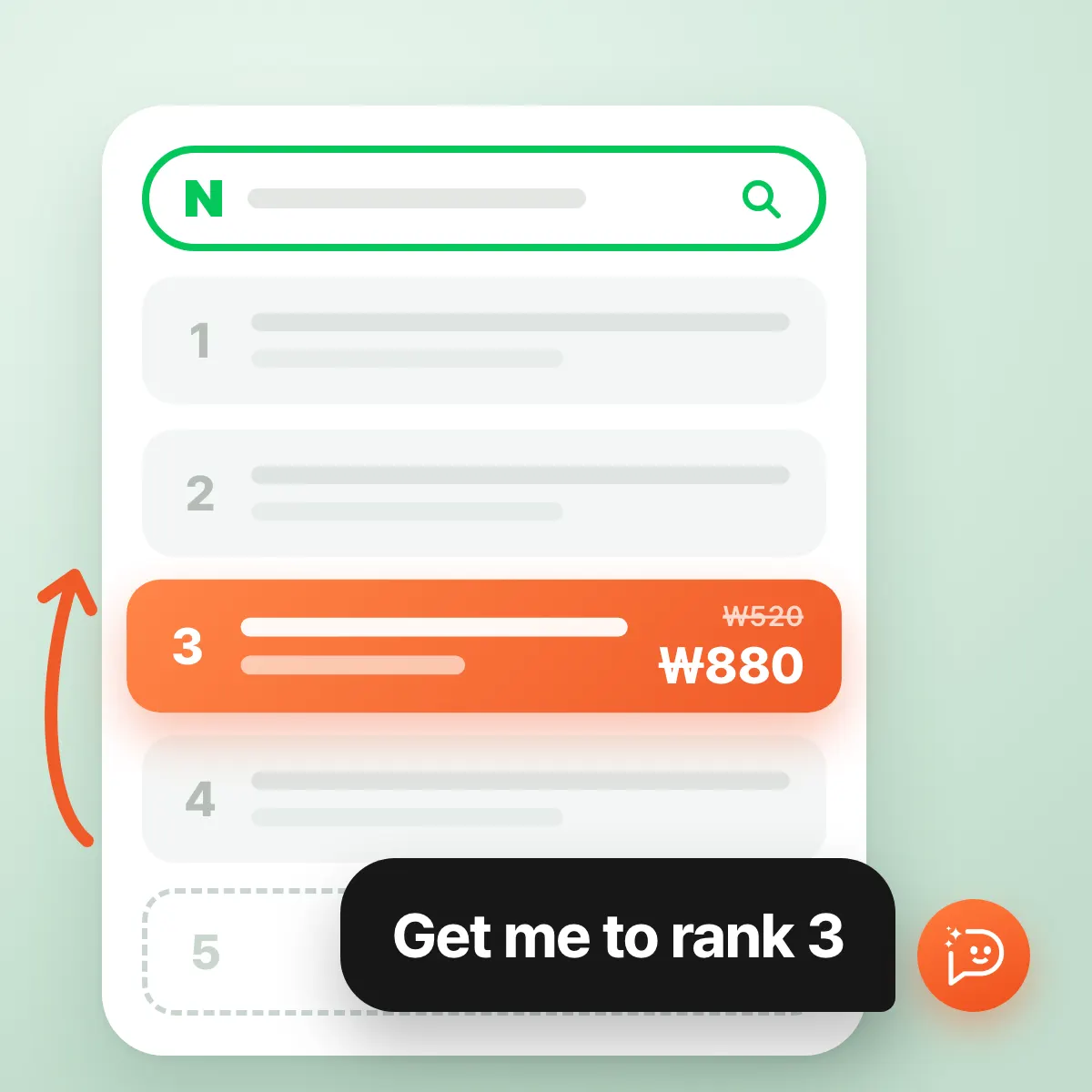
Example workspace / Powerlink bid checkFor wooden dining table on mobile, what would rank 3 cost? Compare it with rank 1.
Your current bid is ₩520. Naver estimates ₩880 for rank 3 and ₩1,870 for rank 1. Rank 1 brings about 29% more clicks than rank 3 but costs close to 2.7 times as much.
| Rank | Est. bid | Est. monthly clicks | Est. monthly cost |
|---|---|---|---|
| 1 | ₩1,870 | 2,520 | ₩4,170,000 |
| 3 | ₩880 | 1,960 | ₩1,568,000 |
| 5 (now) | ₩520 | 1,150 | ₩552,000 |
The table makes the decision easier. Rank 1 is tempting, but those two steps up from rank 3 cost ₩2.6 million more every month. She settles on rank 3. Try moving the bid yourself below. You can see where the cost starts to climb steeply.
₩520
- Est. rank
- 5
- Est. monthly clicks
- 1,150
- Est. monthly cost
- ₩552,000
These numbers are the performance estimates Naver Search Ads provides. They are calculated from past data, so entering that amount does not guarantee that position. If a competitor raises a bid tomorrow, the result changes. It is still a far better starting point than adding ₩50 at a time by feel.
The AI makes the change. You press the button.
She knows the price for one keyword. The other 13 can follow the same rule. There is no need to ask and fix them one at a time. She states the rule and the limit, and hands the job over.
Example workspace / Powerlink bid checkSet all 14 of those to the estimated bid for rank 3 on mobile. Don't go over ₩1,200 per keyword.
I'll change 13 of the 14. Eleven go to the rank 3 estimate, and the two whose estimate is above ₩1,200 are set to ₩1,200. The remaining one sits in an ad group that uses automatic bidding, so its bid can't be set directly and I left it out. Approve if this looks right.
| Keyword | Current | After |
|---|---|---|
| wooden dining table | ₩520 | ₩880 |
| 4-seat dining set | ₩610 | ₩940 |
| marble dining table | ₩900 | ₩1,200 (cap) |
| 10 others | ₩480–₩1,050 | 9 at the rank 3 estimate, 1 at the cap |
Check the target, conditions, amount and unit before approving. Confirm the results in your ad account afterward.
Change bids for 13 keywords: wooden dining table ₩520 → ₩880 and 12 more. ₩1,200 cap applied to 2. 1 keyword in an automatic-bidding ad group excluded
This screen answers the question in the title. Yes, you can hand it over. But nothing changes until you approve it. Neuro puts the proposed change on an approval card with the before and after values, and waits. Approve, and it is applied to your Naver ad account. Reject, and nothing changes.
The ₩1,200 cap deserves a word too. You would give a colleague a budget limit before handing over a task, and you can do the same here in plain language. Tell it to touch only the dining category this week, or never to raise a bid by more than 30% at once. Keywords that were skipped or capped come back with the reason, so you also keep a record of what did not change and why.
So how much should you hand over?
The 14 keywords she fixed today can slip again next week. Bidding is never finished after one adjustment. That does not mean she has to ask the same question every morning. Her last sentence schedules the check.
Example workspace / Powerlink bid checkEvery morning at 9, email me the keywords whose average rank fell below 3.
Saved as a scheduled task that runs every day at 9:00 a.m. It lists the Powerlink keywords whose average rank was below 3 the day before, sorted by clicks, adds the estimated bid for rank 3, and emails it to you. This task only reads data and does not change bids.
I recommend setting up the morning check this way, as a task that only reads. A scheduled task can also be saved in Ad Operations Mode, but then nobody is there to approve, so changes run without approval. Until your conditions are well tuned, it is more comfortable to get the email and approve changes in chat on the days you need them.
In the end, you hand over the finding, the calculating, and the typing. Which rank to aim for, how much to spend on one keyword, and whether to change it now are still the marketer's call. It was the first half that used to eat Monday morning.
A few things to know before you start.
- In Naver Search Ads, go to [도구] (Tools) › [SA API 사용 관리] (SA API usage), find your CUSTOMER_ID, access license, and secret key, and enter them under [Data sources] in Neuro. Only the account owner of the ad account can open this menu.
- After the first connection, collecting performance data can take up to an hour.
- Powerlink keyword bids range from ₩70 to ₩100,000 in ₩10 steps. A value outside that range is not applied even if you ask for it.
- Keywords in ad groups that use automatic bidding cannot have their bids set directly. That is why one keyword was left out in the chat above.
- Ad spend is shown including VAT.
Sources
- Naver Search Ads API documentation
The official documentation covering keyword bid management, estimated bids by position, and performance estimates in Naver Search Ads.
- Naver Ads
The official site for Naver's search ad products, including Powerlink, and the entry point to the ad system.
Related posts
Before AI changes your ad budget
How to review AI proposals for budget and bid changes, including approval settings and scheduled execution in Neuro.
Schedule your weekly ad reports and checks
Set up reports, anomaly checks, and conditional operations with Neuro Scheduled tasks, available on every standard plan from Starter or an eligible custom agreement.
You can now connect Naver Commerce to Neuro
Connect Naver Commerce to Neuro to pull in SmartStore product and order data, then read your ad performance against real revenue and order status.
How to ask AI when your ROAS numbers don’t match
Why attributed revenue can exceed actual sales, which dates and conversion definitions to align, and how to ask Neuro to investigate a ROAS discrepancy.