
On this page
How Many Screens Does One GA4 Number Take?
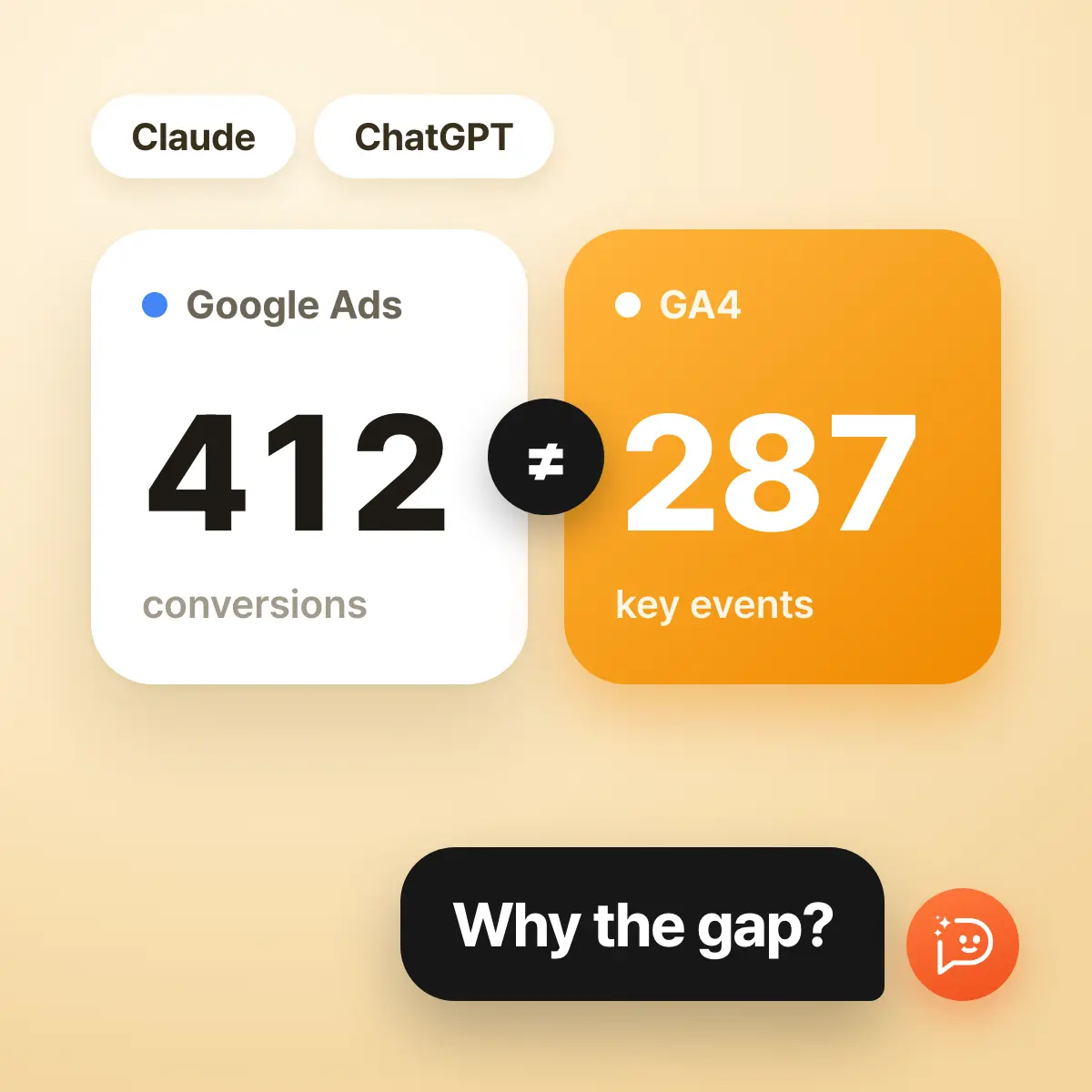
The day before the monthly report, your manager asks: "Google Ads says 412 conversions. Why does GA4 say 287?" To answer, you build a new exploration in GA4, pick the dimensions and metrics, match the date range to Google Ads, and copy both sets of numbers into a sheet. The question is one line. Preparing the answer takes the morning.
Paste a screenshot into Claude or ChatGPT and it will help you read it. But that screenshot is all the AI can see. When the next question arrives ("What about by landing page?"), you go back to GA4 and build the report again.
Connect GA4 to the AI and that round trip goes away. You type the question into the chat you already use, and the AI pulls the numbers it needs from GA4 and answers. This article explains what that connection is and how to use it in Claude and in ChatGPT by working through the manager's question. Every figure in the conversations is a made-up example.
A GA4 MCP Is the Link Between Your AI and GA4
MCP, or Model Context Protocol, is an open standard for how AI apps connect to outside data and services. A GA4 MCP is a connection that uses that standard to link GA4 to an AI. You do not get a new analytics tool. The AI you already use becomes able to read the GA4 property you already have.
Start With the Channel Breakdown
Back to the manager's question. Before arguing about the gap, look at how GA4 recorded the past month. Instead of opening an exploration, type the cut you want to see.
 Sample workspace / GA4 monthly check
Show GA4 sessions and key events by channel for the last 28 days, compared with the 28 days before.
Here is the last 28 days by channel. Paid Search key events are down 18% from the previous 28 days. The other channels are up or flat.
| Channel | Sessions | Key events | vs. previous |
|---|---|---|---|
| Organic Search | 18,420 | 512 | +4% |
| Paid Search | 9,860 | 287 | -18% |
| Direct | 7,310 | 244 | +1% |
| Paid Social | 5,140 | 96 | +22% |
Break Paid Search down by landing page.
The autumn sale page has the most sessions and the lowest conversion rate.
| Landing page | Sessions | Key events | Conv. rate |
|---|---|---|---|
| /sale/autumn | 4,120 | 61 | 1.5% |
| /collections/new | 3,050 | 139 | 4.6% |
| / | 2,690 | 87 | 3.2% |
The second question switched the cut from channel to landing page, and no new report was built. Which dimensions to pick and how to split them is the AI's job. You only say the angle you want to see.
You can keep switching angles the same way.
Angle: Device
Ask it like this: How different is the Paid Search conversion rate on mobile and desktop?
What the AI does: Splits sessions and key events by device and lays out the conversion rate gap.
Angle: New vs. returning
Ask it like this: Did new or returning visitors convert more this month?
What the AI does: Compares performance by user type and points out where it changed most.
Angle: Conversion path
Ask it like this: Where do most people drop off between product page and purchase?
What the AI does: Lines up event counts step by step to find the biggest drop.
Angle: Time of day
Ask it like this: When do conversions cluster by weekday and hour?
What the AI does: Splits by weekday and hour and shows where conversions concentrate.
Angle: With your ads
Ask it like this: Put GA4 conversions next to Google Ads cost by campaign.
What the AI does: Matches both sources to the same dates and sets them side by side by campaign.
Reconcile Google Ads and GA4 in One Request
Now the original question. If Google Ads is connected to the same workspace, there is no copying between two screens. Ask for the two numbers side by side.
Sample workspace / GA4 monthly checkFor the same 28 days, show Google Ads conversions next to GA4 Paid Search key events by campaign, biggest gap first.
Google Ads shows 412 conversions and GA4 shows 287 key events, a gap of 125. Most of it comes from the Shopping and non-brand Search campaigns. These are the confirmed numbers. I have not guessed at causes yet.
| Campaign | Google Ads conversions | GA4 key events | Gap |
|---|---|---|---|
| Shopping | 88 | 39 | -49 |
| Non-brand Search | 143 | 96 | -47 |
| Brand Search | 181 | 152 | -29 |
Check this account's settings for reasons the two could differ.
I confirmed two things. The purchase conversion in Google Ads counts every conversion, so several purchases after one click are all counted. Google Ads also records a conversion on the date of the click, so a purchase made after this period from a click inside it counts in this period only in Google Ads. This data alone cannot settle why the Shopping gap is the largest.
Nobody had to study how the two tools count. Asked to check this account's settings, the AI separated the causes the settings confirm from what this data cannot settle.
Lining up the two screens on the same dates and finding what the settings confirm is the AI's part. Deciding which number the report stands on, and whether Shopping deserves a closer look, is yours. Ask for that separation of confirmed facts from guesses and the result moves into a report with less rework.
Setting Changes Such as Key Events Happen in Chat Too
A check like this sometimes shows that GA4 itself needs fixing, such as a consultation-complete event that was never marked as a key event. Unlike Google's server, which its official guide describes as read-only, Neuro lets you ask in the conversation to create and edit key events and custom dimensions and metrics. Requests that change settings do not run right away: in the Neuro web chat they go through after you review an approval card in Ad Operations Mode, and in Claude after you allow the tool approval request. Once a key event changes, every report after it counts differently.
Connecting Claude and ChatGPT Takes Nearly the Same Steps
First connect GA4 to your Neuro workspace. Sign in with your Google account and pick the property, and you can already ask in the Neuro web chat. To use it in Claude or ChatGPT, copy the connection address from AI apps in Neuro and register it once in each app. Connecting an external AI is included in every Neuro plan.
| Step | Claude | ChatGPT |
|---|---|---|
| Where to start | In Customize › Connectors, click Add and choose Add custom connector. | In Plugins in the left menu, click Add and choose Add custom MCP server. |
| What to enter | A name and the server address you copied. | A name and the server address you copied, with authentication left on OAuth. |
| Sign in | Sign in with your Neuro account and allow access. No token to issue. | Check the account on the Neuro approval screen and allow access. No token to issue. |
| Check it works | Type "Show my workspace list" in a chat. | Type "Show my Pango Neuro workspace list" in a new chat. |
Menu labels and eligible plans can change in both apps. Claude says custom connectors are available on the free plan too, limited to one. In ChatGPT the menu may not appear depending on your plan and workspace settings, so check OpenAI's guidance if you do not see it.
On Day One, Match the Numbers Against GA4
- Ask for the property name, time zone, and currency to confirm the right property is connected.
- Ask for a number you can find in GA4 at a glance, such as sessions for the last 7 days, and compare it with the screen.
- When it matches, add cuts such as channel and landing page, then move on to comparing with your ad platforms.
If a number differs from the GA4 screen, check the date range and time zone first. Whether "the last 28 days" includes today, and whether dates follow the property's time zone, both change the value. Writing the dates into the question removes most of these differences.
Bottom Line: Connect GA4 to Neuro and Ask in Chat
Back to the manager's question. The morning of building an exploration, matching dates, and copying two screens into a sheet took four sentences in chat. Of the 125-conversion gap, the settings explained 99, and the last 26 came with a clear list of what to check next.
The analysis got better not just because the AI is capable. The AI pulls GA4 and your ad accounts, connected in Neuro, directly and on the same dates and basis, so you can keep switching angles: channel, landing page, device, campaign. The comparison and the follow-up questions a single screenshot could never support now happen in one conversation.
Getting started is simple. Connect GA4 to your Neuro workspace, along with the ad accounts you want to compare. Then ask in the Neuro web chat right away, or add Neuro to the Claude or ChatGPT you already use and ask there.
Sources
- Model Context Protocol: What is MCP?
The official introduction to MCP as an open standard for connecting AI applications to external data and tools.
- Google Analytics: MCP server
Google's official guide to its Google Analytics MCP server, covering installation, available tools, and its read-only scope.
- Google Analytics Data API
The official documentation for the API that returns GA4 report data and realtime reports programmatically.
- Google Ads Help: Create conversions from Google Analytics events
Lists why conversion counts differ between Google Ads and Analytics: date basis, counting method, invalid clicks, cookie lifetime, and import delay.
- Claude Help Center: Get started with custom connectors using remote MCP
Covers the menu for adding a custom connector in Claude, plan conditions, and what to watch for when approving tools.
Related posts
Google Ads MCP: A marketer’s guide to analysis, reporting, and action
Learn what a Google Ads MCP server does between Claude and the Google Ads API, which workflows matter to marketers, and how to choose and use one safely.
Meta Ads MCP: Manage Complex Meta Campaigns with Natural Language
A practical guide to the official Meta Ads MCP, Pango Neuro's multi-account workspace model, and prompts for performance, creative, and budget decisions.
Check GA4 and GTM when conversions go missing
Connect Google Tag Manager to Neuro to review ad conversion tags, event triggers, and variable structure in a single conversation — and draft ad and conversion script changes alongside your GA4 events.
How to fill ad reports straight into Google Sheets
A guide for teams that run their client-facing and internal reports in Google Sheets: how to point Neuro at a URL, tab, and range in chat and let AI fill in the data for you.