
Start sheet automation
Sheet automation pulls in performance data from your connected ad platforms on a set schedule Auto-update via Google SheetsThis lets you skip manual data entry and always share and manage up-to-date reports.
What you’ll need
Prepare your Google Sheet: You’ll need to create the Google Sheets file in your Google Drive before Pango Neuro can send data to it.
Permission details: Sheet automation connection and management permissions are granted to Admin or higheris only available to
Create new report
Workspace > Sheet automation From the menu New sheet report Click .
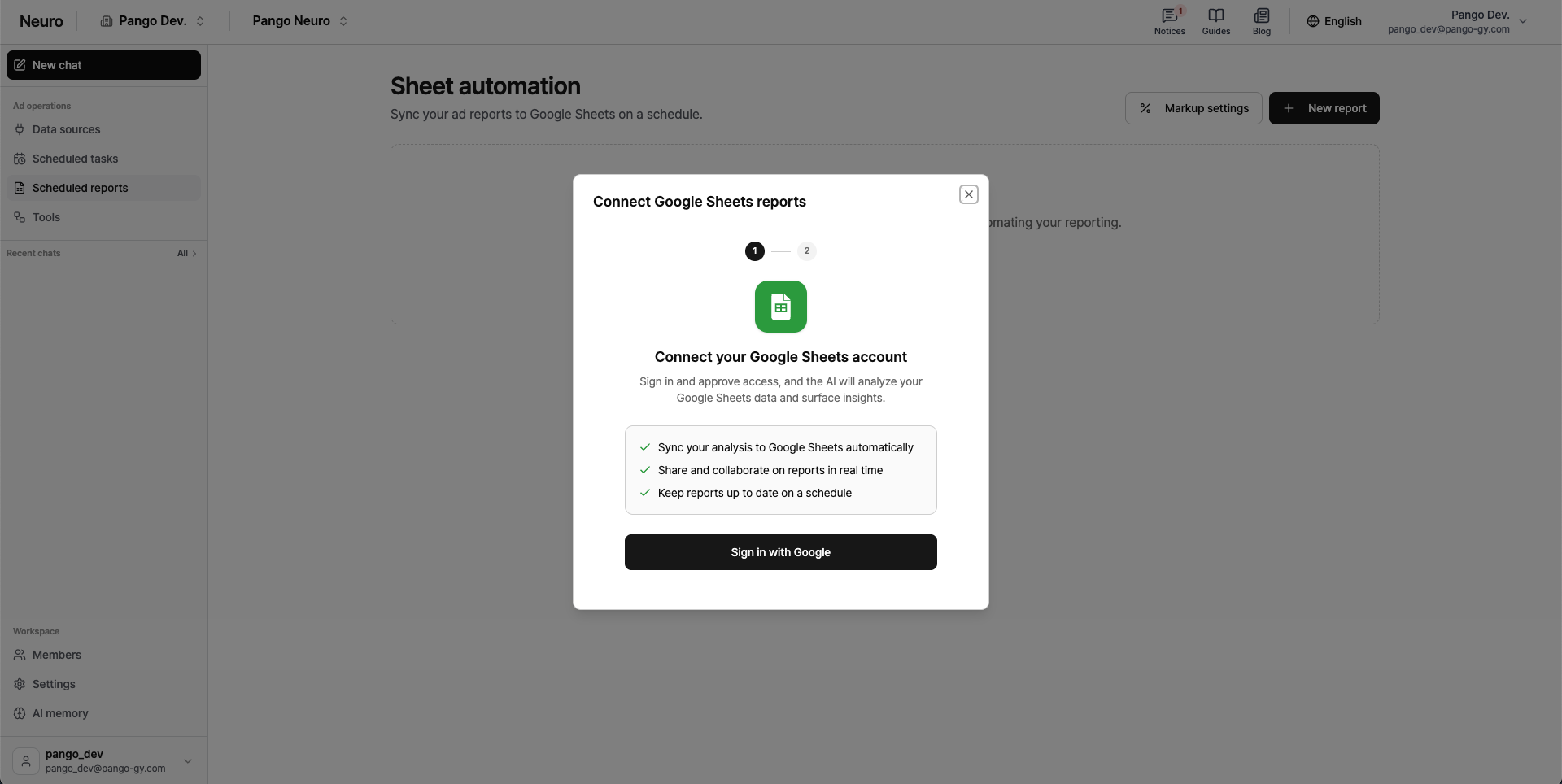
Sign in with Google Click to open the pop-up and complete Google login and permission consent.
Select the spreadsheet you want to connect.
Click the connected sheet title to go to its settings page, then finish configuring your automation details.
Supported channels
You can currently send real-time performance data from the following platforms into this sheet.
Google · Meta · Naver · TikTok · Kakao Moment