
Connect ad platforms
Connect the data sources your AI agent will analyze. The more sources you connect, the deeper the insights and the more accurate the strategy.
Connect
Go to Workspace > Data sources.
Click the platform card you want to connect.
Follow the instructions to complete login and authentication (OAuth). You can disconnect at any time if needed.
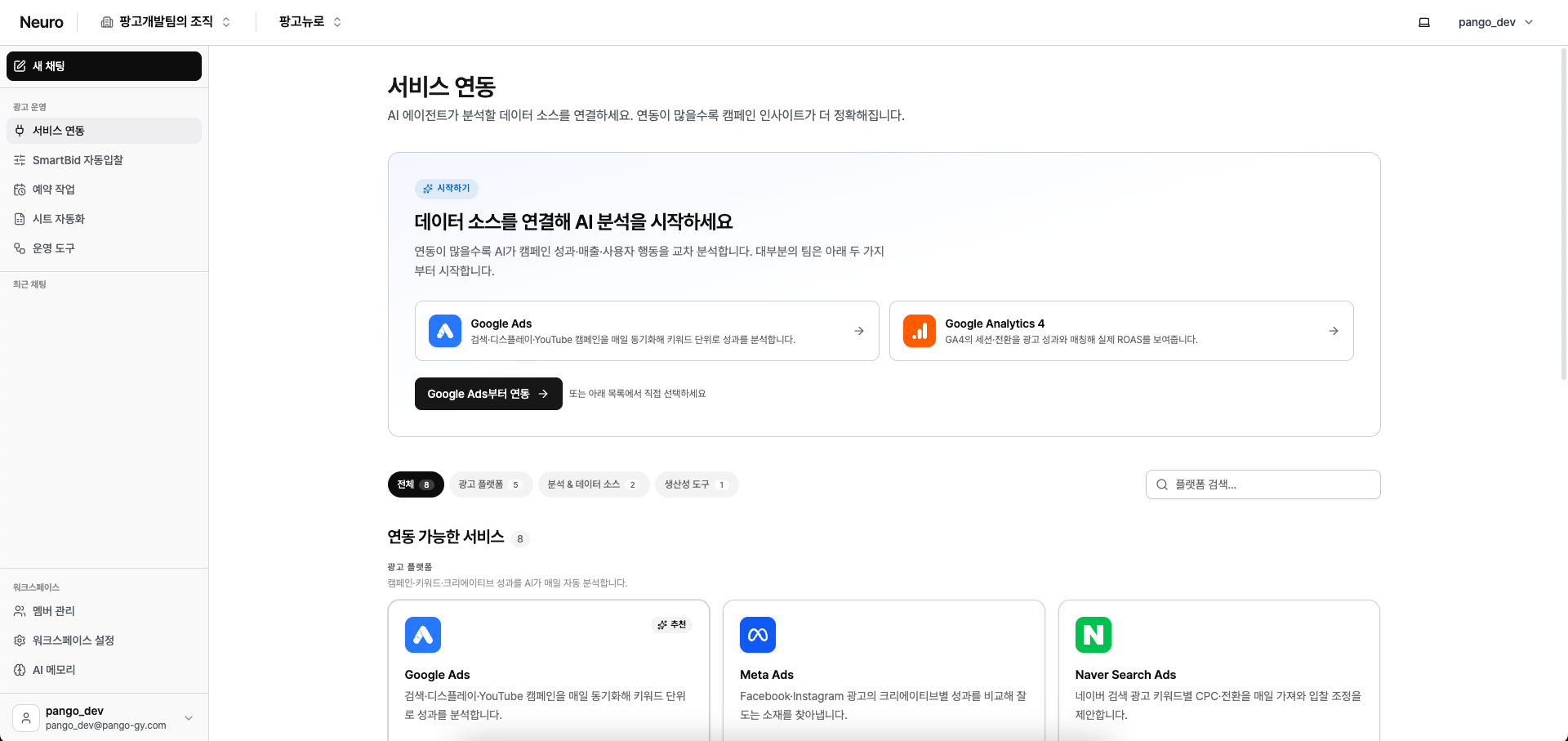
For platform-specific setup details, see the step‑by‑step [Connect] guide for each service.
Available services
Ad platforms
Google Ads, Naver Search Ads, Meta, Meta Ads, Kakao Moment, TikTok, Criteo
Analytics & data sources
Google Analytics 4, Cafe24, AppsFlyer
Productivity tools
Google Docs