
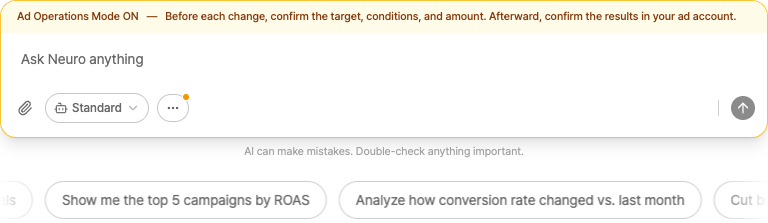
Ad Operations Mode
We don’t save your regular chat data Read and analyze only When you turn on Ad Operations Mode, tasks like creating campaigns or updating budgetsLive changes You can run this.
How to turn it on
In the input field More Open it.
Ad Operations Mode Turn this on. (default: OFF)
Approval flow
When AI suggests a change, Approved card is displayed.
Approve Click to apply changes.
Rejected This will not run if you do that.
AI can make mistakes. You have final control over all ad operations, and after any changes are made you must always review and verify them directly in each ad platform (Naver, Google, etc.).