
Connect Kakao Moment
When you connect Kakao Moments, Run your data and campaigns by just chatting with AI You can handle it all in one place.
Connection method
In Data sources under Workspace > Kakao Moment Select .
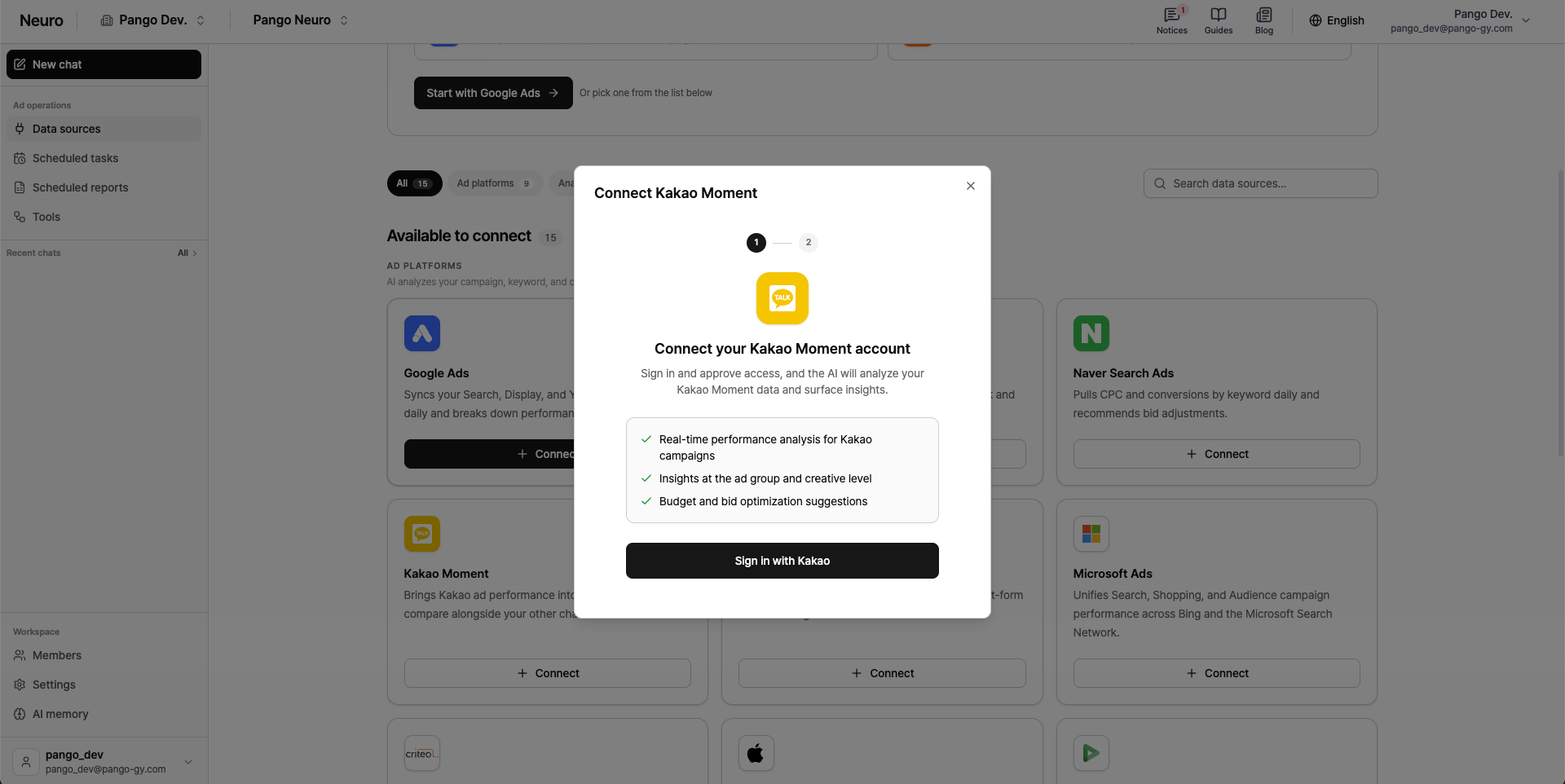
Log in with Kakao Tap to sign in with Kakao.
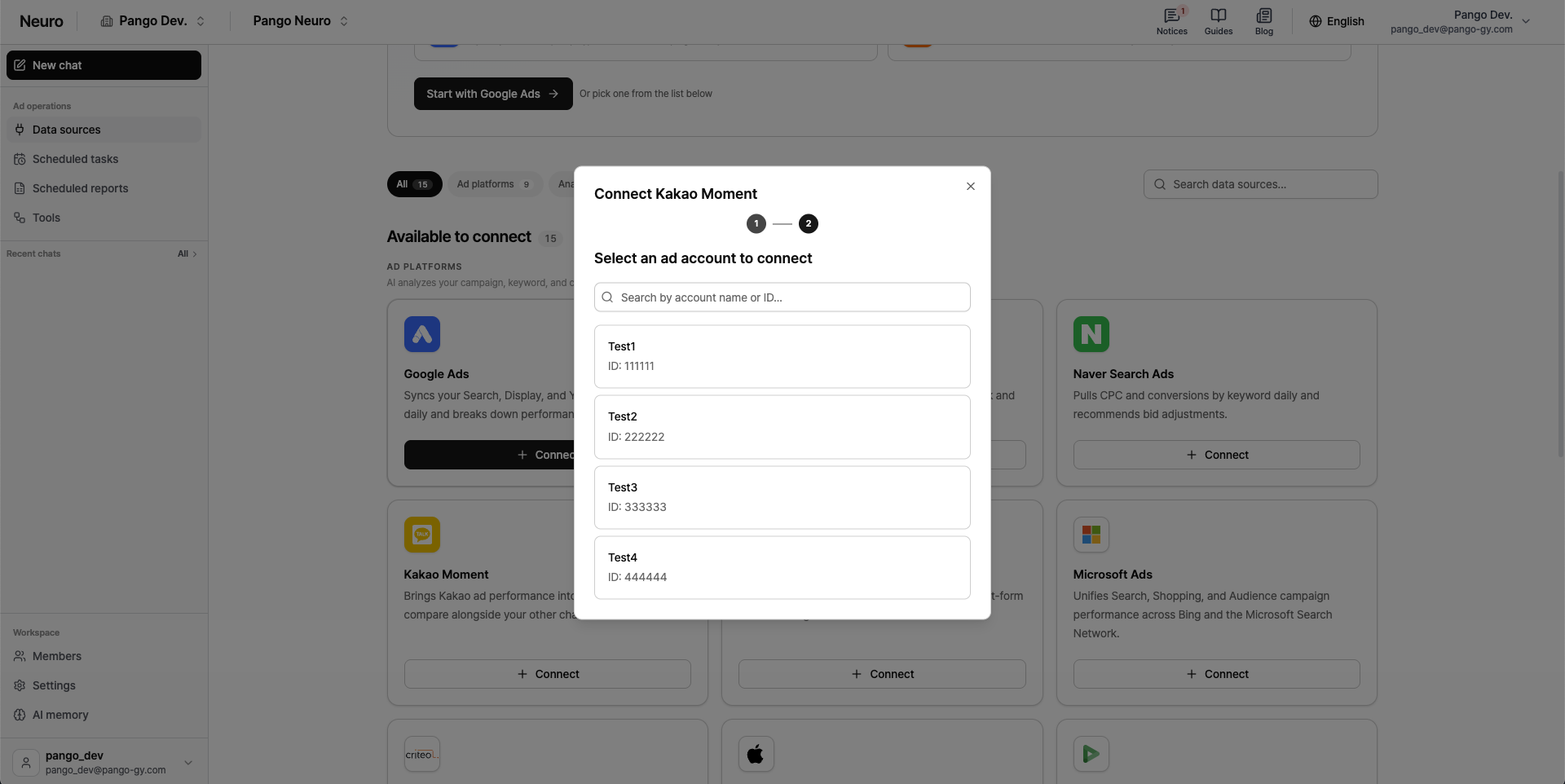
In the account list, select the ad account you want to connect and approve Kakao Moment access permissions.
Notes
For accurate analysis of Kakao Moment performance, please review the data collection policy below.
Date range: You can view up to 2 years of historical data from the time you first connected.
Initial data optimization: The first time you connect, we need to run system optimization and start collecting data. This process Takes up to about 1 hour, and once collection is complete, you’ll be able to use the AI chat and analysis features as normal.
Data updated: Data is refreshed periodically, so there may be a delay between live campaign performance and what you see here.