
Create and manage workspaces
A workspace is the operating unit that bundles AI chat, connected ad platforms, and automation features. You create workspaces under an organization, and we recommend one per brand or advertiser.
Create a workspace
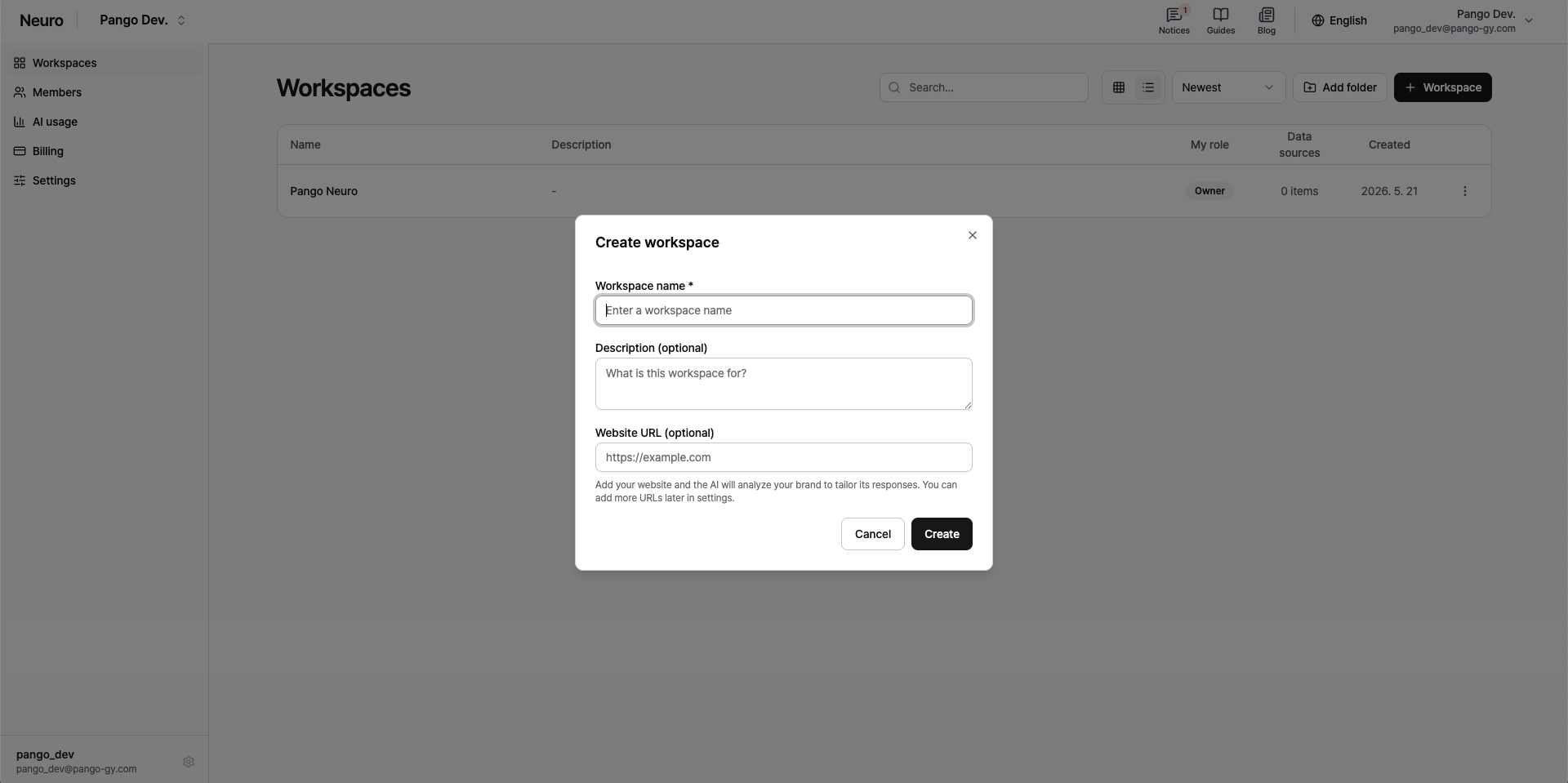
On the organization page, click New workspace.
Enter a workspace name (required).
Description and Website URL are optional. If you add a website URL, the AI analyzes your brand and gives more tailored answers.
Member management
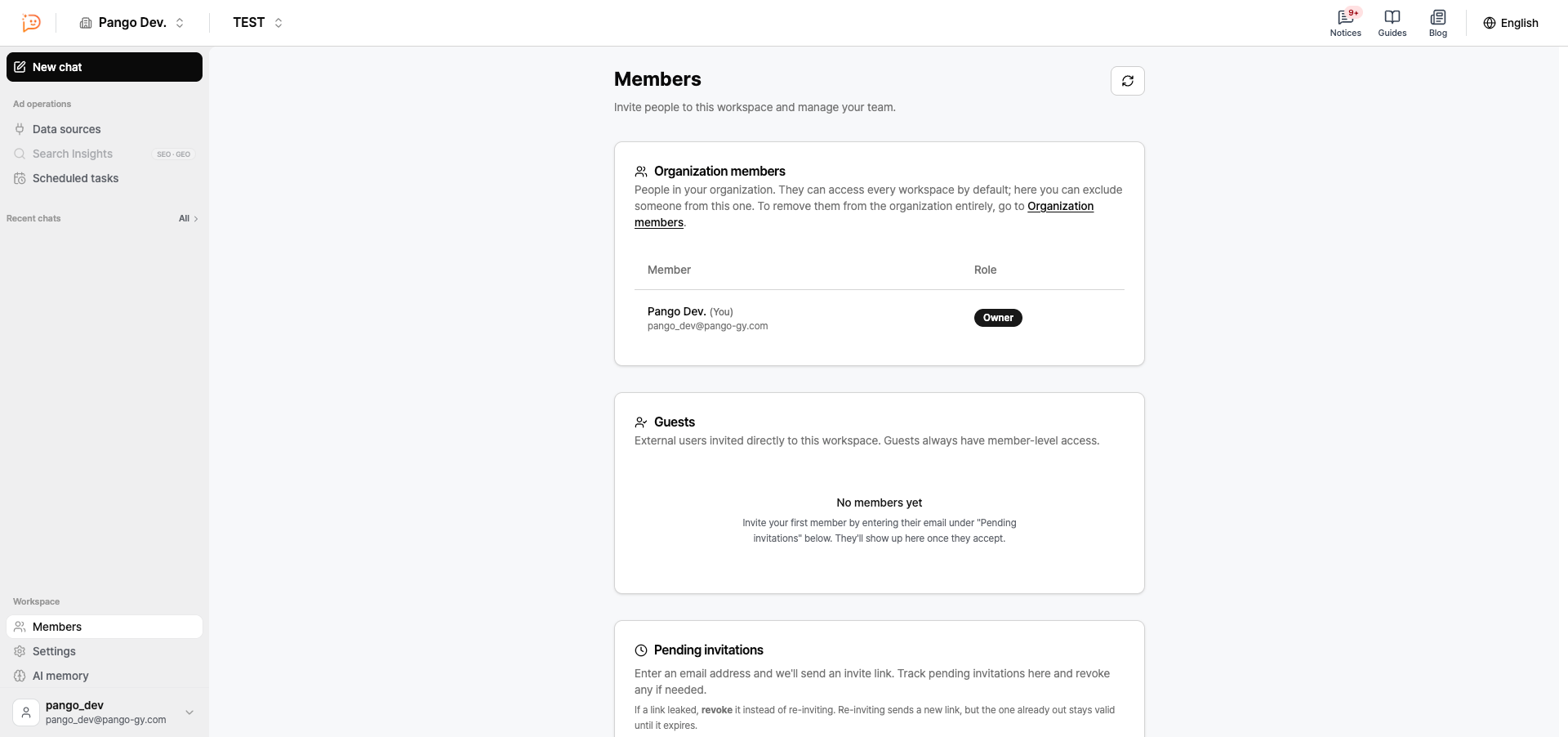
You’ll see two kinds of members under Workspace > Members.
Organization members: People who belong to the organization. They get access to every workspace automatically.
Guest: An external user invited directly to this workspace (e.g. a freelancer). Their role is locked to Member and can’t be changed.
Workspace settings
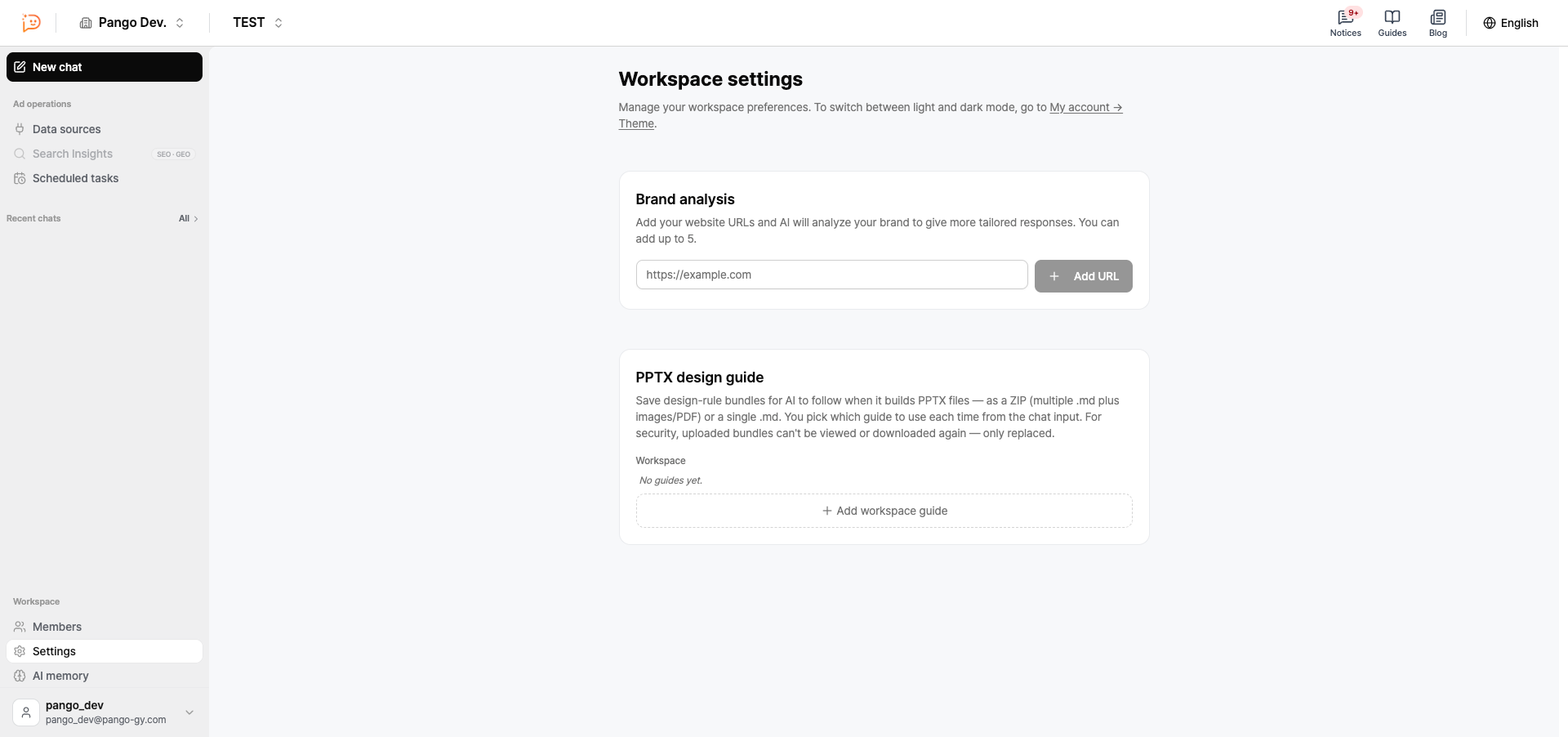
Manage these settings from Workspace > Settings.
Brand analysis: Add your website URL and the AI analyzes your brand to give more tailored answers. You can add up to 5.
PPTX design guide: Save the design rules you want the AI to follow when it creates PPTX files. You pick which guide to use each time you chat.
Next step
Once your workspace is ready, connect your ad platforms. See Connect ad platforms for the steps.