
Connect Meta Ads
When you connect your Meta ad account, you can handle everything from real-time data lookups to campaign management just by chatting with AI. all in one place.
How to connect
In your workspace, go to Data sources and select Meta Ads.
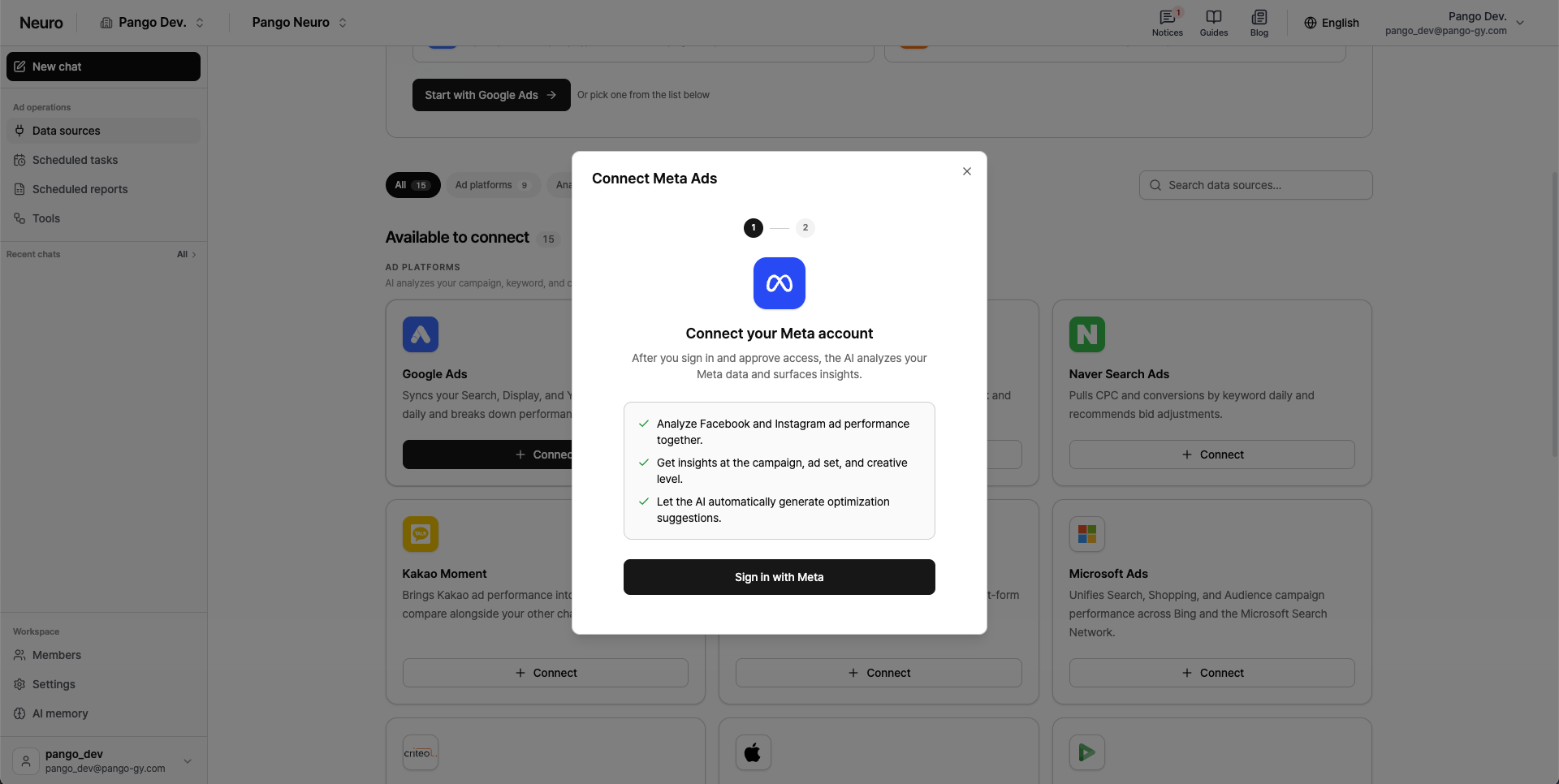
Click Log in with Meta
and complete login and permissions in the popup window.
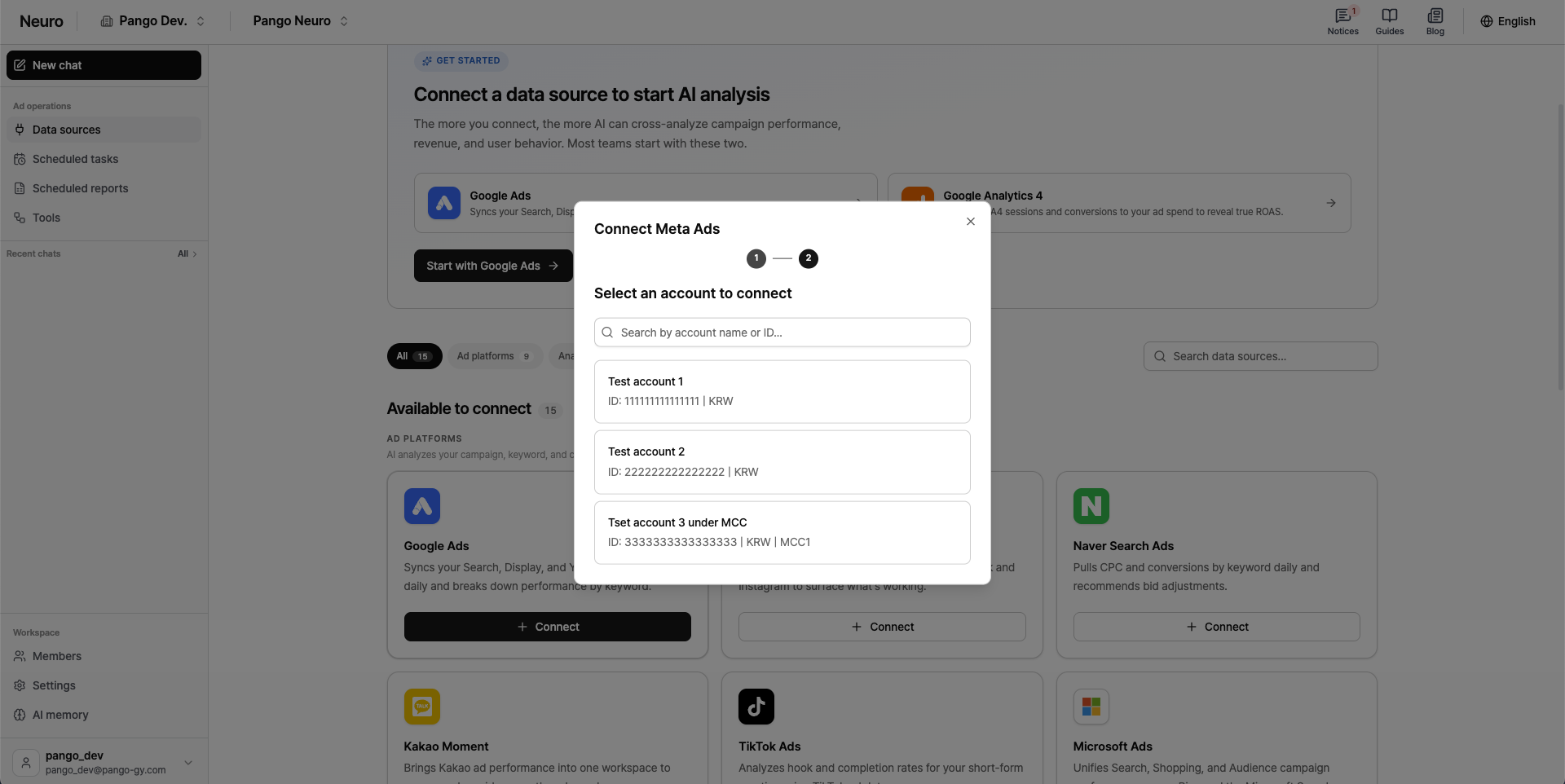
Select the ad account you want to connect from the account list.
Notes
The scope of data AI can analyze from Meta depends on the type of permissions you have.Required permission:
You must have “Ad account access” as a Meta Ads admin.When permissions change: After connecting, if you update permissions or add new assets (pages, pixels, etc.) in Meta Business Settings, you’ll need to log in again to reconnect so Pango Neuro can apply the updated permissions.