
Create and manage organizations
An organization is the top-level container that ties together billing, subscriptions, and members. Billing happens at the organization level, not per account. You can create multiple workspaces under one organization, and anyone invited to the organization can access all of its workspaces.
Organizations and workspaces
Organization: The unit that manages billing, subscriptions, and members.
Workspace: The unit that manages connected platforms and AI chat. You create it under an organization, usually one per advertiser.
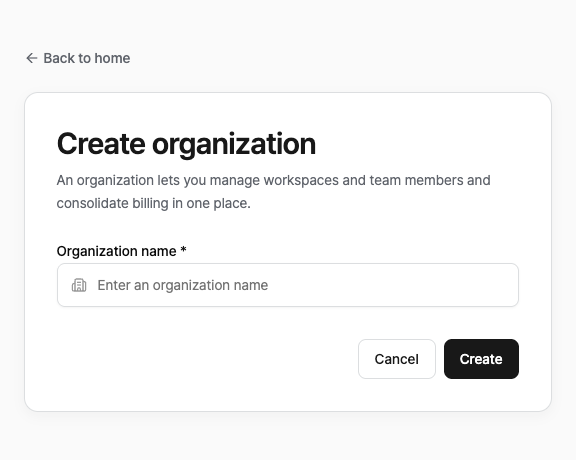
Create an organization
From Home, go to Create organization.
Enter an organization name.
Invite members and assign roles
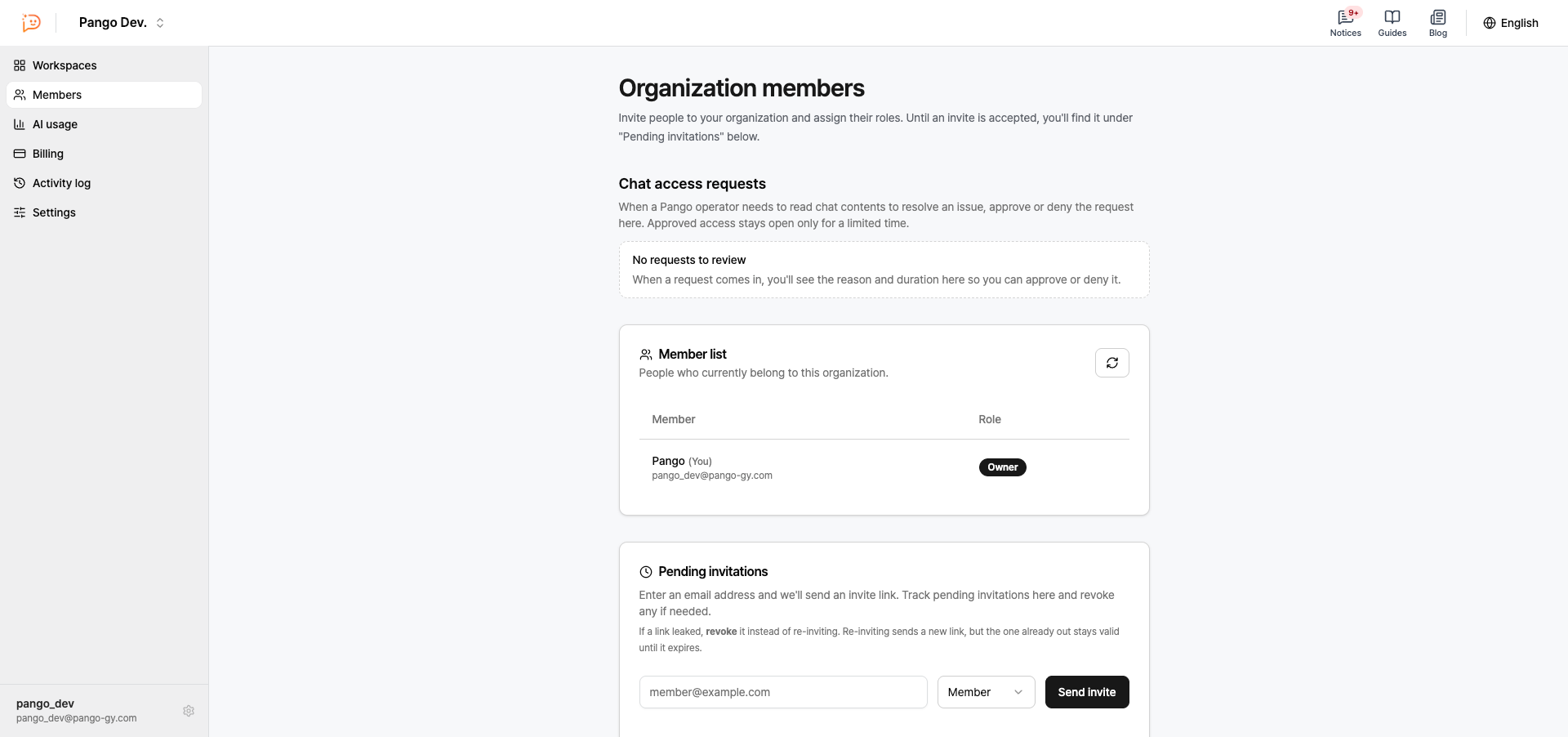
Invite members by email from Organization > Members. Invitations expire after 7 days. Until they’re accepted, you can check their status under Pending invitations.
Owner: Full access. Can change roles, transfer ownership, and delete the organization.
Admin: Can invite members, and change roles or remove members other than the owner.
Member: View-only access.
Organization settings
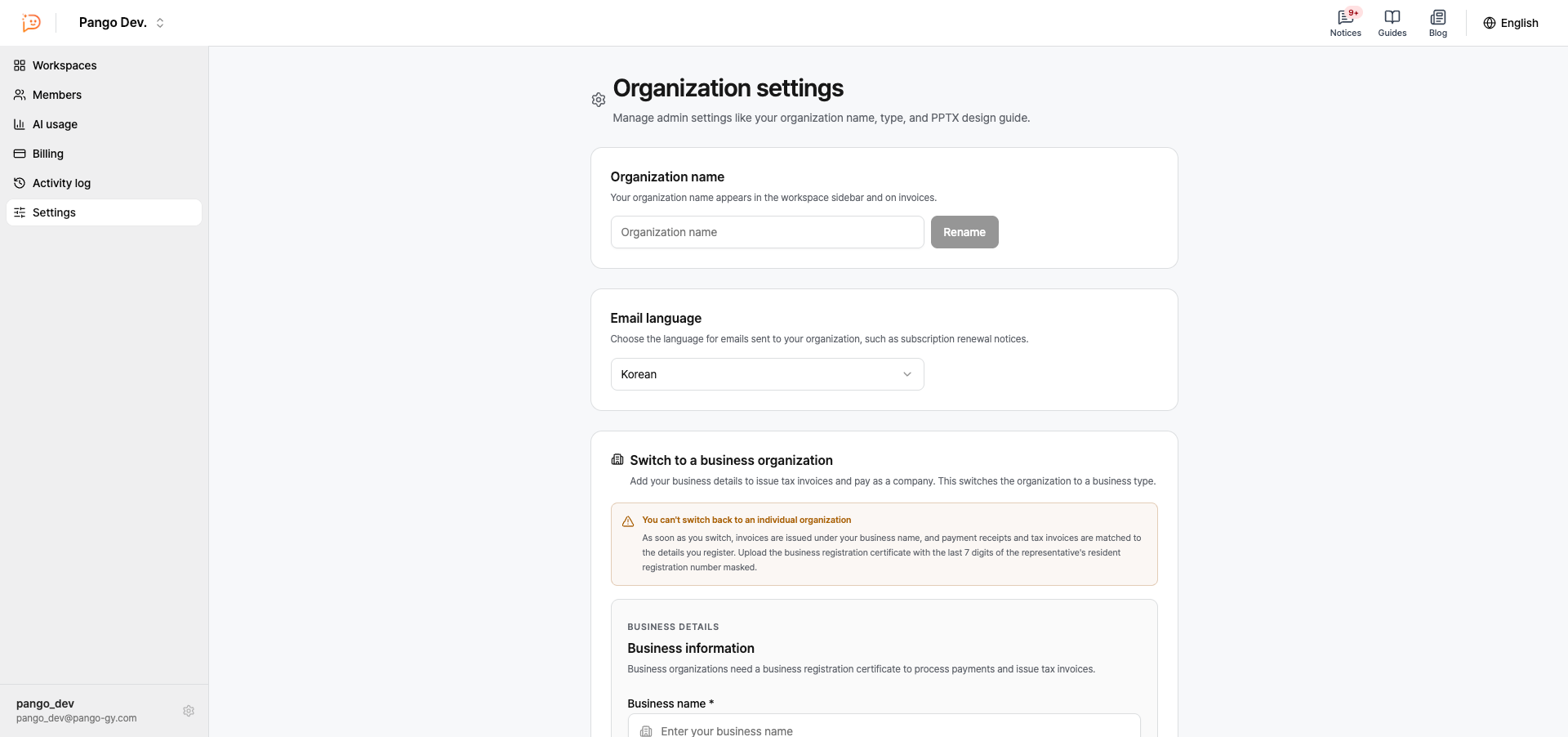
Manage these settings from Organization > Settings.
Rename the organization
Set the email language
Switch a personal organization to a business organization (upload a business registration certificate)
Upload PPTX design guides
Delete organization: This deletes every workspace and member in it, and it can’t be undone.
Billing is per organization
Subscriptions and billing are handled at the organization level. Workspaces aren’t billed separately. Every workspace in an organization shares that organization’s plan and payment method.
Manage plans, payment methods, and billing history under Organization > Billing.
Usage and charges are totaled per organization, not per workspace.
Deleting an organization also ends any active subscription.