
Connect Google Ads
When you connect your Google Ads account, From real-time performance insights to full campaign management—just by chatting with AI Get it all done in one go.
How to connect
In Workspace > Data sources Google Ads Select .
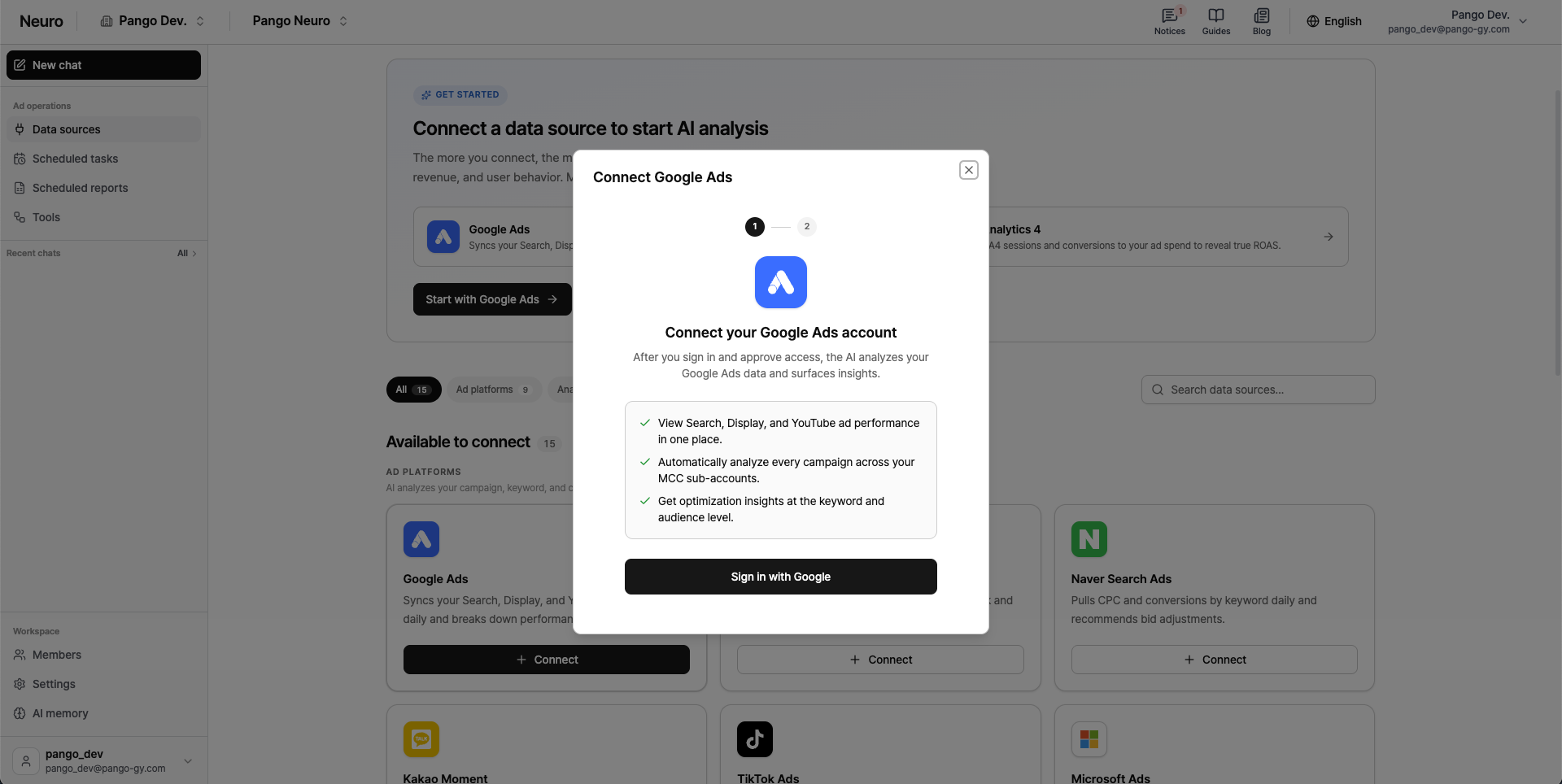
Sign in with Google Click and complete Google sign-in and permission consent in the popup.
Select the ad account you want to connect from the account list.
MCC (manager account) In this case, go down one level to where the ads actually run in the Lowest-level account Please make your final selection.
Use the account path above the search bar to navigate back to a parent account.
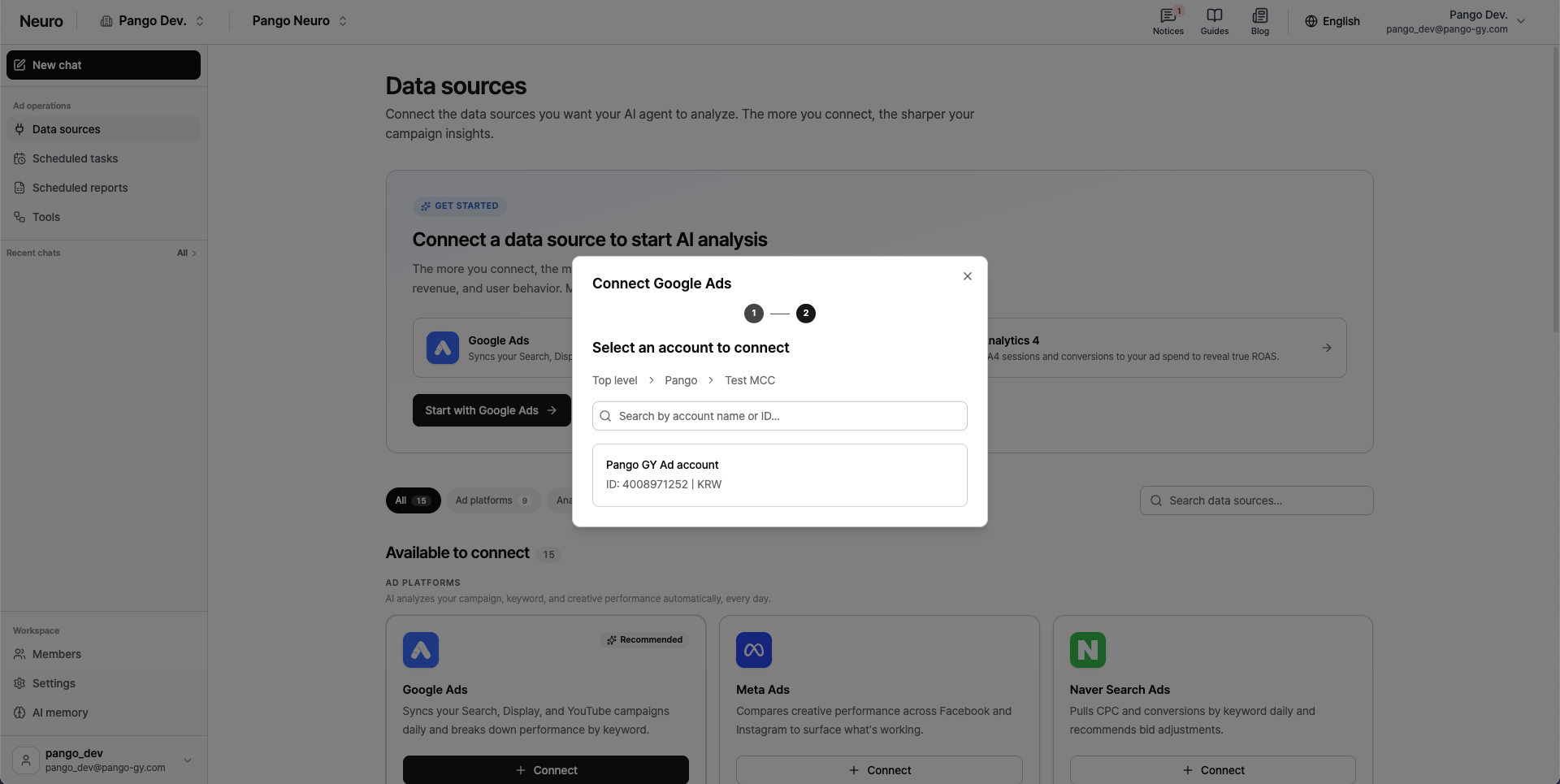
The same Google account authentication will also be used for connecting Google Analytics, Google Docs, and Google Sheets.
You can only view data for YouTube video campaigns.