
Connect Google Docs
When you connect Google Docs, you can share the insights generated by AI Save as new documentand, Previously generated by AIJust by chatting about ramen Keep building this outYou can do this.
How to connect
In Data sources under Workspace > Google Docs Select .
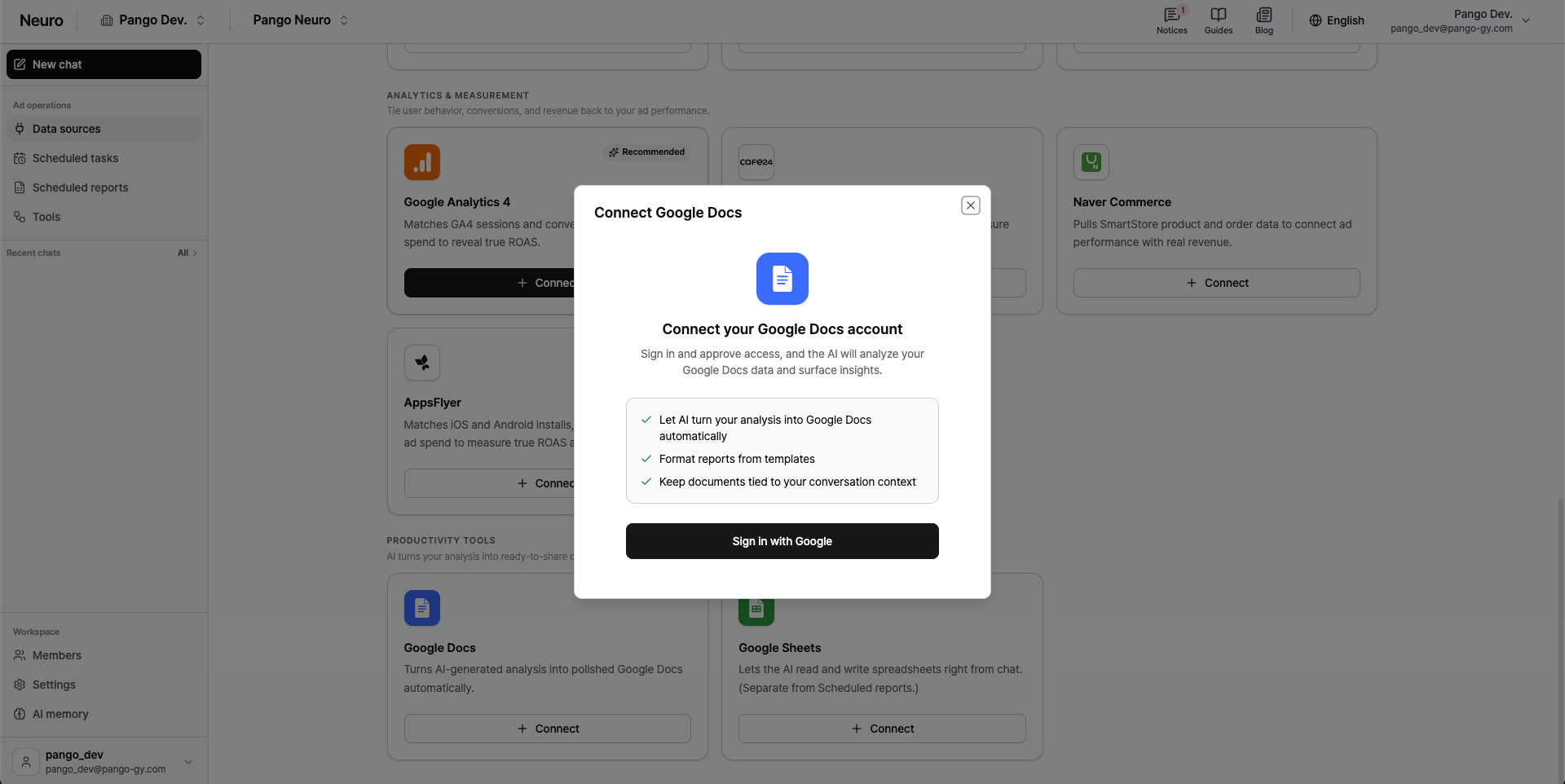
Sign in with Google Click and sign in with Google and grant permissions in the popup.
Notes
Pango Neuro follows Google’s security guidelines So it doesn’t edit or delete users’ personal documents without permission is designed for this.
You can only edit documents created by AI: For security reasons, Pango Neuro can’t view or edit any personal documents you’ve previously created. Document created by AI using “New document”You can only perform additional actions for this.
Can only be added at the end of the document: You can’t insert content mid-document or overwrite existing content. Any new copy will always be Bottom of the documentWill be appended to the previous text.
Text-first businesses: Currently, you can only work with plain text. Formatting options like tables, images, text color, and font changes aren’t supported yet.