
Connect Pinterest Ads
When you connect your Pinterest ad account, Neuro’s AI can pull performance for campaigns, ad groups, and Pins, and handle budget, bids, and status changes via chat.
What you need
A Pinterest Business account with access to the ad account you want to connect
How to connect
In your workspace, go to Data sources and find the Pinterest Ads card, then click Connect.
Click Sign in with Pinterest
to log in in the popup and approve permissions.When the list of accessible ad accounts appears, select the account you want and click Connect
. If the list is long, you can search by name or ID.
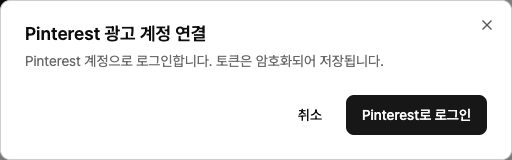
Your token is encrypted and never shown again. If you have multiple ad accounts, connect each one separately.
Examples
“Show me this month’s Pinterest campaign performance.”
“Lower bids on the ad group with the highest CPA.”
“Summarize the top Pins by saves for each board.”
Troubleshooting
No ad accounts are showing
The Pinterest account you signed in with doesn’t have access to any ad accounts. Get access in Pinterest Business Hub, then try again.
The login window doesn’t appear
Your browser is blocking popups. Allow popups for this site from the icon in the address bar, then try again.
You see a message that the auth window was closed or timed out
You closed the window before finishing, or login took too long. The connection just wasn’t saved—nothing else was changed—so start the process again from the beginning.If you run into any issues connecting or using it, email us at pango_plat@pango-gy.com